
Why Your MIDI Keyboard Matters More Than You Think
If you’re reading this, you already know a MIDI keyboard is more than just a plastic slab with keys. It’s the physical bridge between your ideas and your DAW. The wrong one will fight you at every turn — stiff keys, knobs that feel like they’ll snap off, pads that only register half your hits. The right one? It disappears into your workflow. Your hands move, the sound follows, and you stay in the creative zone.
Too many producers buy based on key count alone. They grab a 61-key because it looks serious, only to realize they never play bass with two hands and the thing takes up half their desk. Or they grab the cheapest 25-key and wonder why the pads feel mushy after a month. This guide is about matching a controller to how you actually work — your genre, your DAW, your space, and your budget. Let’s get specific.
What to Look for in a MIDI Keyboard for Production
Keybed Feel: Synth Action vs. Weighted
This is the single biggest quality-of-life factor. Synth action keys are spring-loaded and light — fast to play, great for leads, pads, and synth bass. Semi-weighted gives you a bit more resistance without the heft of a real piano. Fully weighted (hammer action) is for pianists and producers who need expressive dynamic range. If you’re primarily programming beats and sketching melodies, synth action is fine. If you’re recording piano parts or doing detailed classical passages, weighted is worth the money — and the desk space.
Number of Keys: Match Your Playing Style
25 keys — ideal for beatmakers, portable setups, and producers who use the keyboard as a trigger surface. 49 keys — the sweet spot for most producers. You get two full octaves plus room for chord voicings and bass lines. 61 keys — good if you actually play two-handed parts. 88 keys — only buy this if you need a piano-like experience for composition or performance. It’s heavy, it’s expensive, and it demands space.
Pads, Knobs, and Faders: Not Optional Anymore
If you’re making beats or producing electronic music, velocity-sensitive pads are essential for finger drumming and triggering samples. Knobs and faders should feel smooth, not loose. Cheap encoders with no resistance are worse than no knobs at all. Look for endless rotary encoders if you plan to map them to plugin parameters — they don’t jump values when you move them.
DAW Compatibility and Integration
Some controllers are DAW-agnostic. Others are built to talk natively with Ableton Live, Logic, or FL Studio. MCU (Mackie Control Universal) protocol is the universal standard for transport control. But deep integration — like Native Instruments’ Komplete Kontrol or Arturia’s KeyLab series — gives you smart mapping, plugin browsing, and screen feedback that actually saves time.
Build Quality and Portability
Plastic chassis are fine at budget tiers, but wobbly keybeds and flimsy USB ports are dealbreakers. Metal construction adds weight and cost, but also longevity. If you travel, bus-powered via USB is non-negotiable. Battery options are a bonus but add bulk.
Best Overall MIDI Keyboard for Most Producers
Arturia KeyLab Essential 49 MK3
This is the controller I recommend most often when someone says “I need one box that does everything well.” The KeyLab Essential line has matured into a genuinely versatile tool. The keybed is synth action with a solid feel — not too light, not too stiff. The pads are responsive enough for drum programming, and the nine faders and eight knobs are mapped intelligently in most DAWs out of the box.
What pushes it ahead is the software bundle. Arturia includes Analog Lab Pro, which gives you thousands of synth sounds from their legendary emulations — Mini V, DX7 V, Mellotron — all browsable and tweakable from the keyboard’s screen. No clicking around your DAW. You scroll, select, play.
- Pros: Excellent software value, good build quality, deep DAW integration, clear screen, affordable
- Cons: Not fully weighted, faders are plastic (but functional)
- Ideal for: Producers who want a do-everything controller without breaking the bank. Works equally well in Ableton, Logic, and FL Studio.
Best Budget MIDI Keyboard for Beginners and Beatmakers
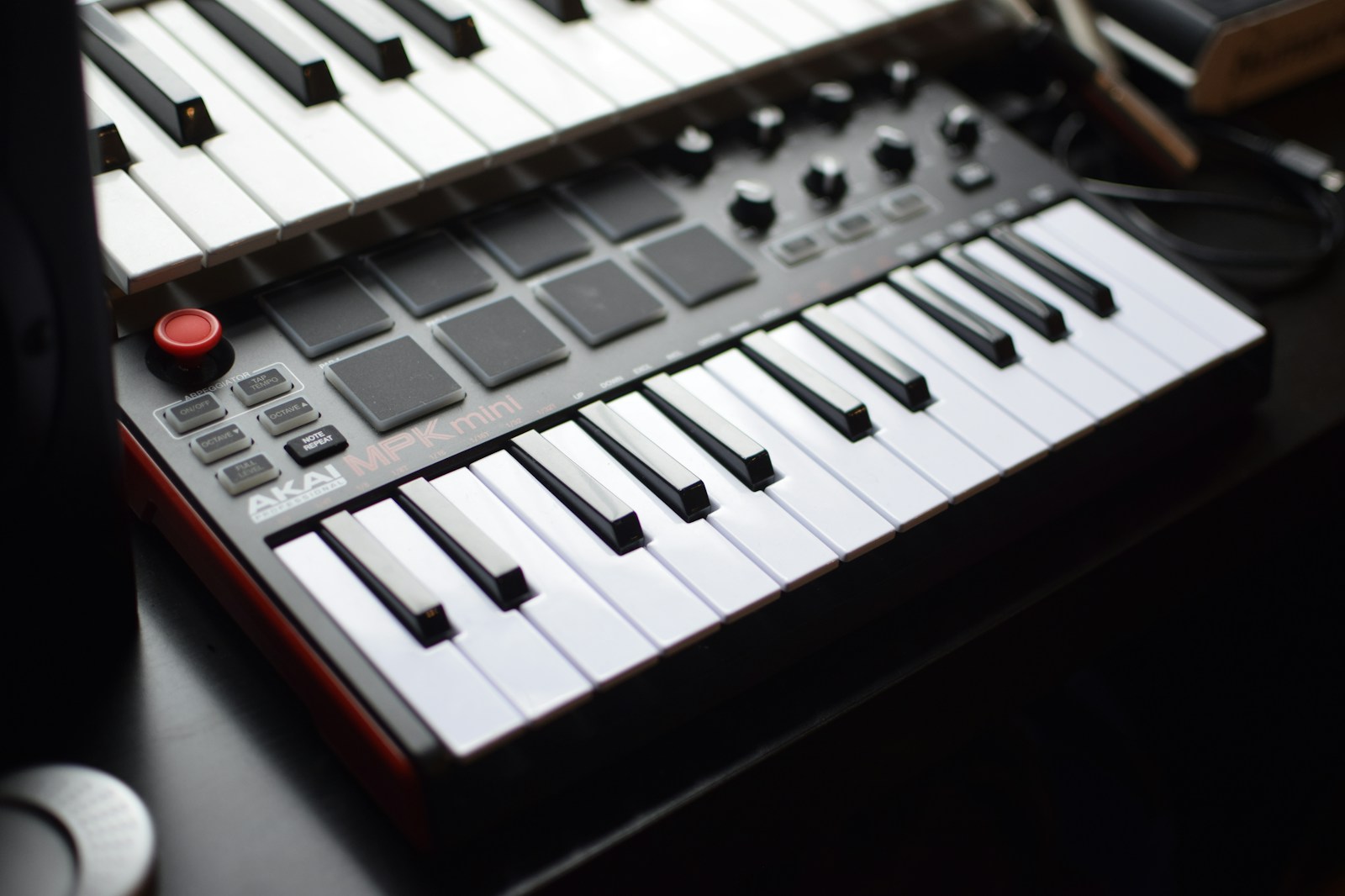
Akai MPK Mini MK3
The MPK Mini is a phenomenon for a reason. It’s tiny, it’s cheap, and it packs 25 mini keys, eight backlit pads, and eight knobs into a package that fits in a backpack. The keys are mini-sized, so they’re not great for expressive piano playing, but for triggering chords, bass lines, and arpeggios, they work fine.
The pads are the star here. Akai knows pads — the MPK’s are velocity-sensitive and responsive right out of the box. You can finger-drum on them immediately without tweaking velocity curves. The knobs feel a bit cheap but do the job for mapping synth parameters.
- Pros: Ultra-portable, great pads, dirt cheap, built-in arpeggiator
- Cons: Mini keys are cramped for large hands, no faders, build is mostly plastic
- Limitations: No mod wheel or pitch bend (they’re joystick-style on the side). Not ideal if you need a real keybed feel.
- Ideal for: Bedroom producers, beatmakers, travel rigs, anyone on a tight budget.
Best Portable MIDI Keyboard for Travel and Small Studios
Arturia MiniLab 3
If the MPK Mini is the utilitarian choice, the MiniLab 3 is the polished one. It has 25 mini keys, but they feel noticeably better than most in this class — slightly more resistance, less wobble. The eight pads are velocity-sensitive and RGB-backlit. The touch-strip pitch and mod controls are a clever space-saver.
What sets it apart is the software integration. The MiniLab 3 ships with Analog Lab Intro and Ableton Live Lite, and the control center app lets you remap every knob, pad, and fader. It’s bus-powered, light, and fits easily next to a laptop.
- Pros: Best-in-class mini keys, solid pads, great software bundle, sleek design
- Cons: No faders, mini keys still aren’t full-size (obviously)
- Ideal for: Laptop producers, portable studios, and anyone who values key feel over pad quantity.
Best MIDI Keyboard for Deep Software Integration
Native Instruments Komplete Kontrol S49 MK3
This is the controller for producers who live inside the Komplete ecosystem. The S-series keyboards are designed to work hand-in-hand with Native Instruments’ software — and they do it better than anyone. The keys are Fatar keybeds — high-quality synth action with aftertouch. The pitch and mod wheels are solid. But the real party trick is the screen.
The high-res color display shows plugin names, parameters, and browser content. You can browse through all your Komplete instruments, presets, and even third-party NKS-compatible plugins without touching your mouse. The Light Guide — RGB LEDs above each key — shows key switches, scales, and drum mappings visually. It’s a workflow accelerator once you adapt to it.
- Pros: Unmatched Komplete integration, premium keybed, Light Guide, high-quality build
- Cons: Expensive, limited usefulness if you don’t use NI plugins, heavy
- Ideal for: Producers deep in the Native Instruments ecosystem. If you own Komplete Ultimate or use Kontakt heavily, this is the obvious choice.
Best Pro-Grade MIDI Controller for Serious Studios
Novation SL MKIII 49
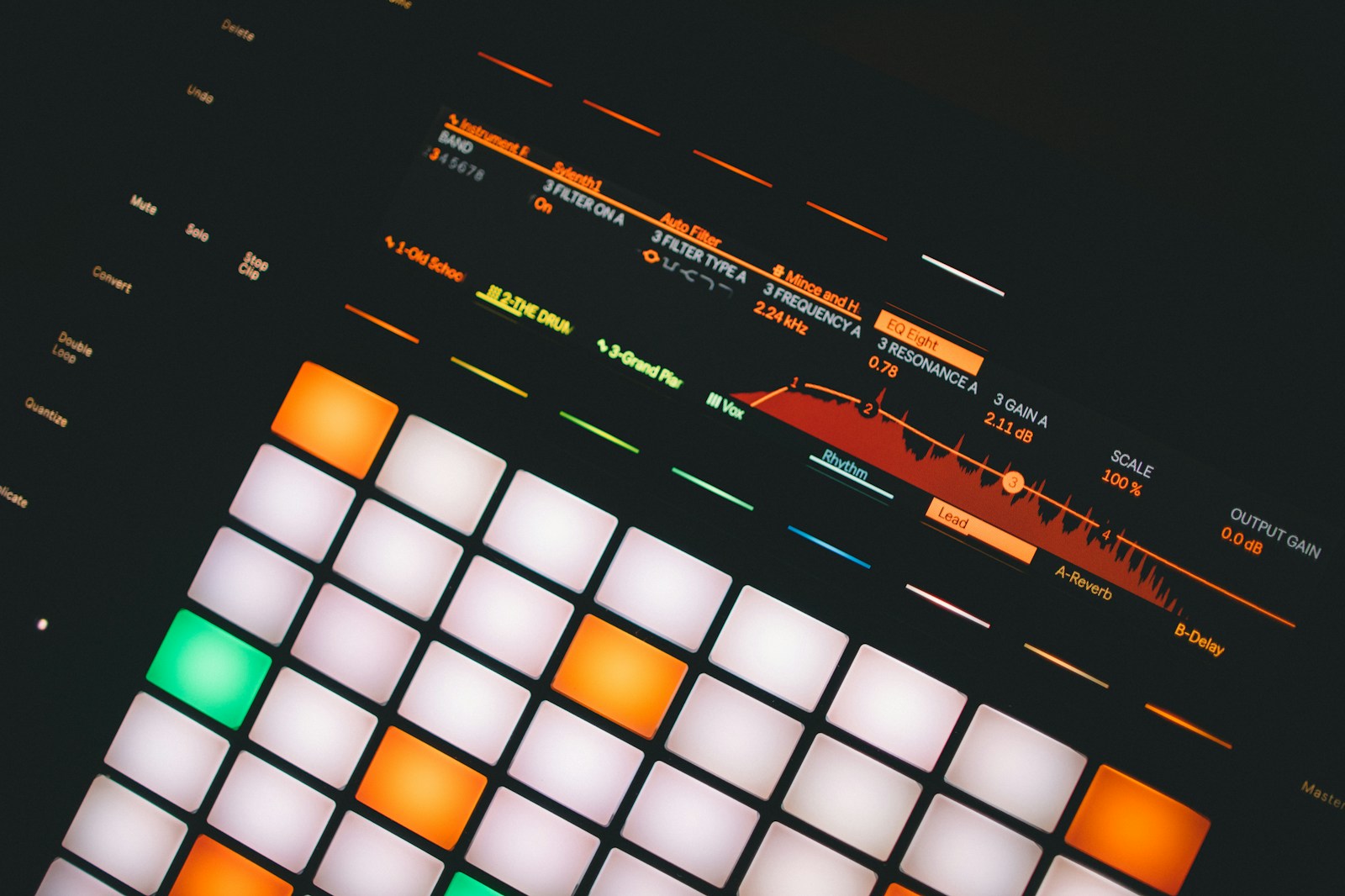
The SL MKIII is a workstation-class controller that treats MIDI routing as a serious feature. It has a built-in sequencer, a 4×4 grid of velocity-sensitive pads, and eight endless encoders with a color screen. The keybed is semi-weighted with aftertouch — responsive enough for detailed playing without the weight of a fully weighted board.
What makes it pro-grade is the MIDI I/O — traditional 5-pin MIDI in/out plus USB. You can control hardware synths and DAWs simultaneously. The sequencer lets you create patterns independent of your computer. This is a controller for studios with modular gear or multiple hardware synths.
- Pros: Deep MIDI routing, standalone sequencer, premium build, color screen
- Cons: Expensive, the sequencer takes time to learn, not fully weighted
- Ideal for: Producers with hardware synths, advanced MIDI routing needs, and a serious studio setup.
If you need fully weighted keys, the Arturia KeyLab 88 MK2 is the benchmark. It uses a Fatar TP/100LR keybed — genuine hammer action. It’s expensive, heavy, and not portable, but for piano-style playability in a MIDI controller, it’s the standard.
Best MIDI Keyboards for Pad-Heavy Production
For beatmakers and electronic producers, pads aren’t an afterthought — they’re the main interface. Here are two approaches:
Akai MPC Key 37 — This is essentially an MPC standalone workstation in keyboard form. It has an incredible pad section — 16 velocity- and pressure-sensitive pads that feel like the classic MPC. The keyboard is 37 mini keys with aftertouch. It runs the MPC operating system, so you can produce whole tracks without a computer. Expensive, but if pads are your primary instrument, this is endgame.
Novation Launchkey 49 MK4 — Built for Ableton Live. The pad section is designed for clip launching and drum racks. The pads are big, responsive, and RGB-backlit for color-coded session view. It also has eight knobs and nine faders. For Live users who do a lot of drum programming and sample triggering, this is the most intuitive option.
- Akai MPC Key 37: Best standalone, best pad feel, expensive
- Novation Launchkey 49 MK4: Best Ableton integration, good pads, affordable
MIDI Keyboard Buying Mistakes to Avoid
Buying too many keys. A 61-key controller looks impressive but often collects dust if you don’t play piano-style. 49 keys is the practical sweet spot for most genres. 25 is enough for beatmaking.
Ignoring DAW compatibility. Some controllers map beautifully to Ableton but lose functionality in Logic or Cubase. Check the features list for your specific DAW before clicking buy.
Overlooking key feel. You can’t audition keybeds online. If possible, try a similar model in a store. Mini keys on a $99 keyboard feel different from mini keys on a $200 one. The difference matters.
Cheaping out on build. A $60 keyboard might work for a month. After that, sticky keys, flaky USB ports, and drifting knobs become your new normal. Spend enough to get a reliable controller from a known brand.
Ignoring aftertouch. If you do any expressive synth playing — filter sweeps, vibrato via pressure — aftertouch is worth having. Not all controllers include it at lower price points.
Final Thoughts: Pick the Right Controller for Your Groove
The best MIDI keyboard isn’t the most expensive or the one with the most pads. It’s the one that fits how you move, what you make, and where you make it. A 25-key portable is perfect for a producer who works in coffee shops and on couches. A weighted 88-key makes sense for a pianist who needs real expressiveness. Most of us land in the middle — 49 keys, synth action, decent pads, smart DAW integration.
If you’re still unsure, start with the Arturia KeyLab Essential 49. It covers the most ground for the least compromise. Or go deep with the Native Instruments Komplete Kontrol if you live in that world. There’s no wrong answer as long as it gets your hands on the sound faster.
We keep close tabs on what’s actually shipping, what’s wearing well after six months of use, and what producers are talking about in real sessions. If you’re looking for the best MIDI keyboard for music production in 2025, these picks are tested and true. Grab one that matches your groove and get back to making noise.