
Introduction: The Interface Connection Question
If you’ve been shopping for an audio interface lately, you’ve hit the USB vs Thunderbolt wall. It’s one of those gear debates that gets dogmatic fast — “USB is fine for podcasters” versus “Thunderbolt or you’re wasting money.” Neither take is wrong. But neither tells you what actually changes in your recording session.
Here’s the real question: does the connection type affect the decisions you make while tracking and mixing? Because if you’re trying to decide between a $200 USB interface and a $600 Thunderbolt one, the answer better be more than “it depends.” We’re going to break down latency, bandwidth, driver behavior, and platform quirks — not to declare a winner, but to help you match the connection to the work you actually do.
What Makes Thunderbolt Different?
At a hardware level, Thunderbolt gives your audio interface direct access to the PCIe bus on your computer. Instead of routing data through a USB host controller — which has to negotiate bandwidth with every other USB device on that bus — Thunderbolt creates a dedicated lane. That means lower overhead, more predictable latency, and the ability to daisy-chain multiple interfaces without choking the line.
The practical upshot: you can run more channels at lower buffer sizes before the system glitches. This matters when you’re recording a full band live, running high-sample-rate sessions at 96kHz, or sending multiple monitor mixes through the same interface chain. But — and this is important — if you record one or two inputs at a time and mix at 44.1kHz with a 128 or 256 sample buffer, you may never feel the difference.
Thunderbolt is not magic. It’s just a faster road with fewer traffic lights.
USB Audio Interfaces: Still the Workhorse
USB audio interfaces have been the backbone of project studios for over two decades. The category has matured well. USB 2.0 interfaces — the kind you still see on Focusrite Scarletts and Audient iDs — deliver reliable 48kHz/24-bit operation with 8 to 10 channels of simultaneous I/O. Class-compliant drivers on macOS mean plug-and-play reliability. On Windows, proprietary ASIO drivers have gotten stable enough that most users don’t fight latency anymore.
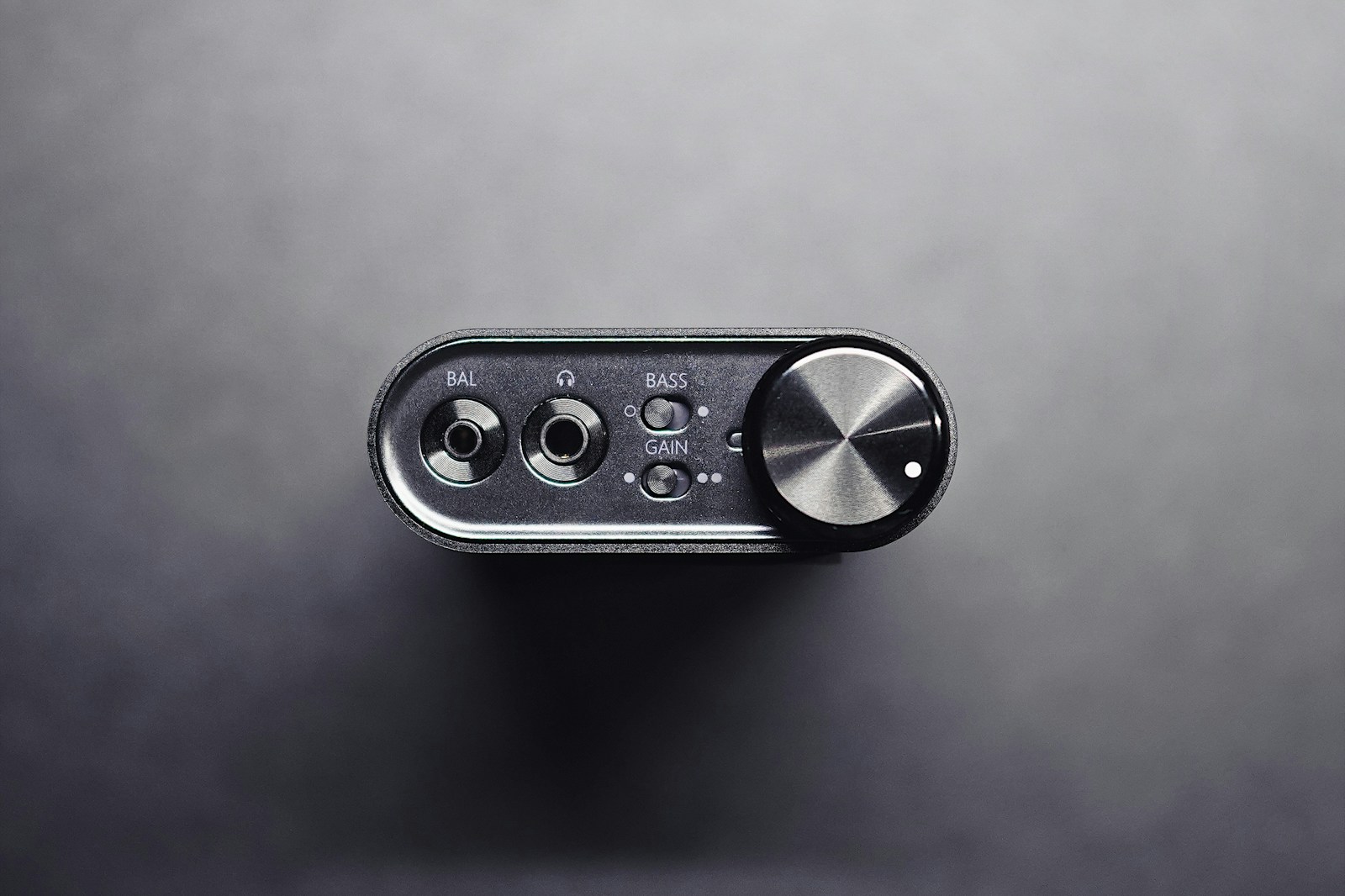
USB 3.0 and USB-C interfaces add more bandwidth headroom. In practice, that means you can push to higher channel counts (16–20 simultaneous inputs) without hitting the ceiling. But latency improvements are marginal. A well-optimized USB interface at 44.1kHz with a 64-sample buffer will give you round-trip latency in the 6–8ms range. That’s workable for most tracking scenarios, including live mic monitoring through plugins.
The real advantage of USB is simple: it works on everything. Mac, Windows, Chromebooks, older machines, laptops without Thunderbolt ports. You don’t have to check motherboard specs or worry about BIOS settings. If reliability and compatibility are your priorities, USB is still the safe bet.
Thunderbolt Interfaces: When Does It Actually Matter?
Thunderbolt’s benefits show up in three specific scenarios.
Large sessions with dense track counts. If you’re tracking 16+ inputs at 96kHz and want to monitor through heavy plugin chains — think UAD DSP or native reverb/compression — Thunderbolt keeps the system stable at lower buffer sizes. USB can choke when the CPU is already stressed.
Near-zero latency monitoring without onboard DSP. Some Thunderbolt interfaces let you monitor through the DAW with buffer sizes as low as 16 or 32 samples. That’s 1–2ms round-trip. If you track vocals and want to hear reverb and compression in the cans without using the interface’s internal mixer, Thunderbolt can deliver that.
Multiple interface chaining. Thunderbolt lets you chain interfaces — say, a Universal Audio Apollo x8 with an Apollo Twin — and have them appear as a single aggregated device. USB can’t do that reliably at scale.
The cost-to-benefit math: if you’re a solo producer working with fewer than 8 simultaneous inputs, Thunderbolt is a luxury, not a necessity. If you’re recording full bands, running high-track-count orchestral sessions, or doing live streaming with low-latency monitoring, it becomes a workflow tool rather than a spec flex.
Latency Deep Dive: Numbers You Can Feel
Let’s get specific. Round-trip latency at 44.1kHz with a 64-sample buffer on a USB 2.0 interface typically lands around 7–9ms. On a Thunderbolt interface with the same buffer, you’re looking at 3–5ms. That gap narrows at higher buffer sizes — at 256 samples, both are in the 12–15ms range — but at the low end, Thunderbolt gives you roughly half the delay.
At 96kHz, the gap is even more noticeable. Thunderbolt interfaces can run at 32 or 64 samples comfortably. USB interfaces often need 128 samples at 96kHz to maintain stability, which pushes latency into the 10–12ms range. That’s borderline for tracking, especially if you’re monitoring through plugins.

But here’s the nuance: many modern USB interfaces use adaptive clocking and improved driver architectures that shrink the latency gap. RME’s USB interfaces, for example, perform within a few milliseconds of Thunderbolt at the same buffer settings. The choice matters, but it’s not night and day for most sessions.
Track Count & Bandwidth: What the Specs Don’t Tell You
Bandwidth numbers look dramatic on paper — USB 2.0 (480 Mbps), USB 3.0 (5 Gbps), Thunderbolt 3 (40 Gbps). In practice, audio doesn’t sting these pipes the way video does. A single channel of 24-bit/96kHz audio is about 4.6 Mbps. Even USB 2.0 can handle over 100 channels theoretically. The bottleneck is not raw speed but how the interface manages clocking, buffer scheduling, and driver overhead.
For most desktop studios, USB 3.0 is already overkill for audio alone. Thunderbolt’s bandwidth matters when you’re combining audio with video, running multiple displays through the same cable, or chaining several interfaces and DSP units. If you’re doing audio-only sessions under 24 inputs, USB 3.0 or even USB 2.0 will get you there.
Driver Support & Platform Compatibility
Thunderbolt is native on macOS. Apple built the port into its ecosystem, and most Thunderbolt interfaces show up with low-latency Core Audio support out of the box. On Windows, it’s a different story. Thunderbolt support depends on your motherboard, your BIOS version, and whether the manufacturer enabled Thunderbolt certification. Even then, driver stability varies. Some interfaces require specific Thunderbolt controllers (Intel Alpine Ridge, Titan Ridge) and won’t work reliably with others.
USB wins this category cleanly. Every interface with USB connectivity — class-compliant or proprietary — works on Mac and Windows without hardware-level gotchas. If you switch between platforms, lend your interface to collaborators, or upgrade your computer frequently, USB saves headaches.
Build Quality, Portability & Future-Proofing
Thunderbolt interfaces tend to be built to pro studio standards — metal chassis, higher-quality connectors, more robust power supplies. That’s not a Thunderbolt requirement; it’s just that manufacturers targeting pro users tend to build tougher gear. USB interfaces span the full range, from plastic budget units to rugged metal builds.
Portability is similar — both form factors offer bus-powered and external-powered options. Thunderbolt interfaces often require external power at higher channel counts, while many USB-C interfaces can run bus-powered for field recording.
Future-proofing: USB4 and Thunderbolt 4/5 are converging. USB4 incorporates Thunderbolt 3 protocol compatibility, and Thunderbolt retains the PCIe direct-access architecture. But honestly, future-proofing an interface purchase is a distraction. Buy what fits your current setup and workflow. In three years, the interface itself will be your limiting factor, not the connection.
Quick Comparison Table: USB vs Thunderbolt Audio Interfaces
| Factor | USB (2.0/3.0) | Thunderbolt (3/4) |
|---|---|---|
| Best use case | Home studios, podcasters, solo producers, small bands | Pro studios, live tracking, high-track-count sessions |
| Latency (44.1kHz, 64 buf) | 7–9 ms | 3–5 ms |
| Bandwidth | 480 Mbps (2.0) / 5 Gbps (3.0) | 40 Gbps (3) / 40 Gbps (4) |
| Price range | $80–$800 | $300–$3,000+ |
| Platform compatibility | Mac, Windows, Chromebook | Mac native, Windows limited |
| Daisy-chaining | Not supported | Supported |
Which One Should You Buy? A Decision Framework
Don’t start with the connection. Start with your session. Here are the questions that actually point to the right answer:
- How many simultaneous inputs do you need? If it’s under 8, USB is more than adequate. If it’s 16+, Thunderbolt may save you from buffer issues.
- Do you track live bands or solo produce? Live tracking with monitoring through plugins rewards low latency. Solo producing at 128–256 buffers is fine with USB.
- What’s your platform? Mac users can benefit from Thunderbolt more easily. Windows users should confirm Thunderbolt support before investing.
- What’s your budget split? If you have $600 total, a $500 USB interface plus decent headphones beats a $600 Thunderbolt interface and cheap headphones every time.
- Do you need portability? USB interfaces are more likely to be bus-powered. Thunderbolt interfaces at pro-level channel counts usually need power.
If you land on USB, look at interfaces like the Focusrite Scarlett or Audient iD series. If Thunderbolt fits, the Universal Audio Apollo Twin or RME Fireface series are benchmarks. Both paths deliver pro results when you match them to your actual workflow.
Final Take: The Connection That Matches Your Workflow
Thunderbolt gives you the lowest latency and highest channel counts. USB gives you broad compatibility, strong value, and reliability across platforms. The gap between them has narrowed as USB drivers have matured and Thunderbolt has become more common on Windows. Neither connection will make or break your recordings alone.
The best interface is the one that stays out of your way: no driver fights, no buffer adjustments mid-session, no “why did the audio glitch right before the take.” Prioritize stable performance at the buffer size and channel count you actually need. If Thunderbolt gives you that, great. If USB does, you’re not compromising. Assess your workflow honestly, and let the gear serve the work — not the other way around.