
Introduction
Every DJ has a story like this. The night a master XLR cable went silent three tracks in. The USB drive that corrupted during a peak-time transition. The headphones that snapped because they lived loose in a backpack. These aren’t rare—they happen to almost anyone who gigs long enough. That’s exactly why building a proper DJ essential tools toolkit matters before you walk into your next booth. Your skills get you the gig. Your toolkit keeps you on the air. We’re going to break down what you actually need, where tradeoffs make sense, and what separates gear that lasts from gear that fails when you need it most. This isn’t about buying everything. It’s about curating reliable accessories that solve real problems, from sound quality to power management to basic survival when things go sideways.
Why Your Toolkit Matters More Than Your Decks
Let’s be clear. Your CDJs, turntables, or controller are important. But even a high-end setup is useless if you can’t hear yourself monitor, your USB drive disconnects mid-set, or the venue has one dodgy power outlet with no surge protector. The most common failures I’ve seen in ten years of gigging aren’t deck failures—they’re cable failures, storage corruption, power issues, and adapter problems. A DJ who shows up with cheap headphones and a single USB stick looks like an amateur when something breaks. A DJ with a well-stocked toolkit looks like a professional, even if the mixer is old and the monitors are shot. The toolkit is the buffer between you and disaster. It lets you ignore the venue’s shortcomings and focus on the crowd. That’s why this stuff matters more than owning the most expensive controller. Prioritize reliability, redundancy, and preparedness over flashy gear.
The Big Three: Headphones, USB Drives, and Cables
Three categories form the core of any DJ’s toolkit. Get these right, and you can handle ninety percent of the situations you’ll face. Get them wrong, and nothing else you carry will save you.
Headphones
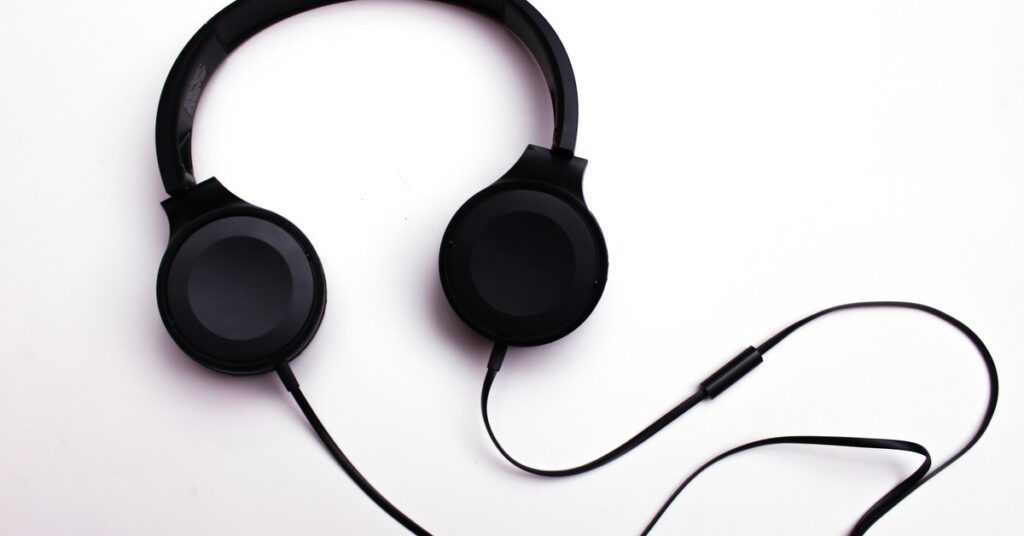
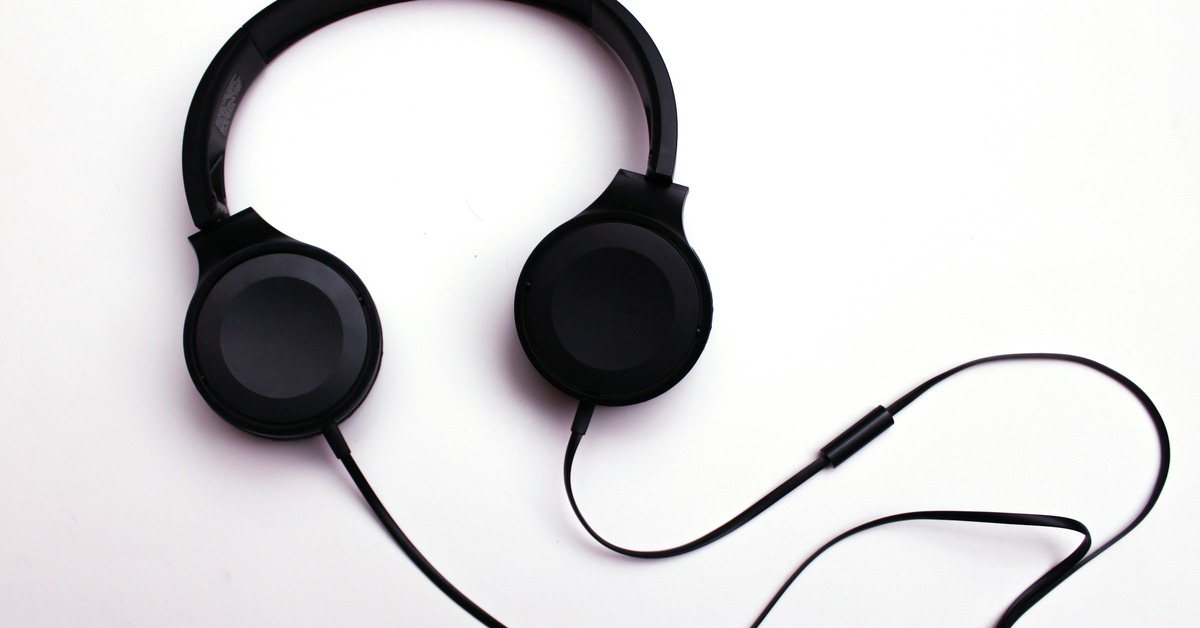
Your headphones are your primary monitoring tool. You need a pair that isolates sound well, handles high SPL without distortion, and survives being thrown into a bag. Closed-back headphones are the standard for DJing because they block booth noise and prevent sound from leaking into your monitor mix. Pay attention to build quality. Plastic hinges break. Metal yoke structures last. Look for detachable cables too—a ripped cable on a non-detachable pair means buying entirely new headphones. Wireless options exist, but latency and battery life are genuine concerns. For most club and mobile gigs, a high-quality wired closed-back pair is still the smartest choice.
USB Drives
Your music library travels on these. Speed matters—a USB 3.0 or 3.1 drive loads tracks noticeably faster, especially on older CDJ models. Durability is critical. Drives with metal housings survive drops better than plastic ones. You also need redundancy. Never play a gig with just one drive. If it fails, you’re done. Carry at least two identical drives with the same library. Format them correctly—FAT32 or exFAT are the standards for most Pioneer gear. Don’t use NTFS. Check compatibility with older CDJs before you arrive.
Cables
Cables are the most common point of failure in any DJ setup. XLR cables for your main output should be at least three meters long. Quarter-inch TRS cables are useful for monitoring and certain mixers. RCA cables still appear in many older setups. Gold-plated connectors resist corrosion better but aren’t a magic upgrade. What actually matters is strain relief at the connector ends and thick enough gauge wire. Carry at least two of each type you use. Adapters are also essential—USB-C to USB-A, quarter-inch to RCA, and XLR to quarter-inch are standard items.
Headphones: Wired vs. Wireless in a Live Setup
Wireless headphones have improved significantly over the past few years. The convenience of no cable is real, especially if you move around the booth a lot. But there are serious tradeoffs. Latency is the biggest issue. Even low-latency Bluetooth codecs introduce a slight delay compared to a wired connection. For beatmatching, that delay can throw you off. Battery life is another factor. A wired pair works as long as your mixer is powered. A wireless pair requires monitoring battery levels, which adds an unnecessary variable during a long set. Durability also tends to be lower on wireless models because of the electronics and battery compartments built into the headband. For club gigs, stick with wired. For bedroom practice or low-stakes mobile gigs where battery life is predictable, wireless can work. Just don’t rely on it for a peak-time club set.
Storage Solutions: USB Drives vs. SD Cards vs. Laptops
Your music library needs a reliable home that works with whatever gear you encounter. USB drives are the universal standard. Virtually every CDJ, XDJ, and media player has a USB port. SD cards are less common but appear on some older gear and Denon players. Laptops offer flexibility with software like Serato or Rekordbox, but require power management and a stable connection to the mixer. Here’s the practical breakdown. USB drives are your safest bet for compatibility. Carry two 128GB or 256GB drives formatted to FAT32. SD cards are fine as a backup but not a primary. Laptops are powerful but introduce complexity—cable routing, power supply, and potential software crashes. The optimal approach for most DJs is a laptop for software-based mixing and a pair of USB drives with your core library as a failsafe. If you’re playing on CDJs, two USB drives are non-negotiable. Redundancy is everything. One drive fails, you switch to the backup without missing a beat. That’s the standard.
Cables and Connectivity: What You Actually Need on the Fly
Mobile DJs deal with the widest variety of setups. One night you’re plugging into a house mixer with XLR inputs. The next night you’re connecting to an old PA system with quarter-inch inputs. The solution isn’t to carry fifty cables—it’s to carry the right adapters and a few key cable lengths. Here’s a tactical list you can build from. Two XLR cables of at least three meters. One quarter-inch TRS cable for monitoring. One RCA cable for backup inputs. A small pouch of adapters. A USB-C to USB-A adapter for modern laptops. A quarter-inch to RCA adapter. An XLR to quarter-inch adapter. Avoid long loops of cable. Keep them neatly coiled. Use cable ties or velcro straps to prevent tangling. Check every cable before you pack it. A damaged cable that passes audio at home might fail under the vibration of a loud PA. Replace them regularly, especially if you coil them tightly or step on them during setup.
Power Management: Surge Protectors, Batteries, and Backup Plans
Venue power is rarely as clean as you want. Old wiring, ground loops, and sudden drops happen more often than most DJs expect. A surge protector is not optional. It protects your gear from voltage spikes that can damage power supplies. A power sequencer is a step up. It powers on your devices in order, preventing a sudden inrush current that can trip a circuit breaker. Portable battery packs are useful for powering laptops or small monitors wirelessly, especially during outdoor events or setups where outlets are far away. Pay attention to the wattage rating of your devices versus the battery pack capacity. A 100Wh pack can run a laptop for several hours but won’t power a PA system. Extension cables are also valuable. Carry a short, heavy-duty extension cable to reach distant outlets without daisy-chaining multiple power strips. Check your cables and surge protector before every gig—they get beat up in transit.
Cases and Bags: Protection for Travel and Storage
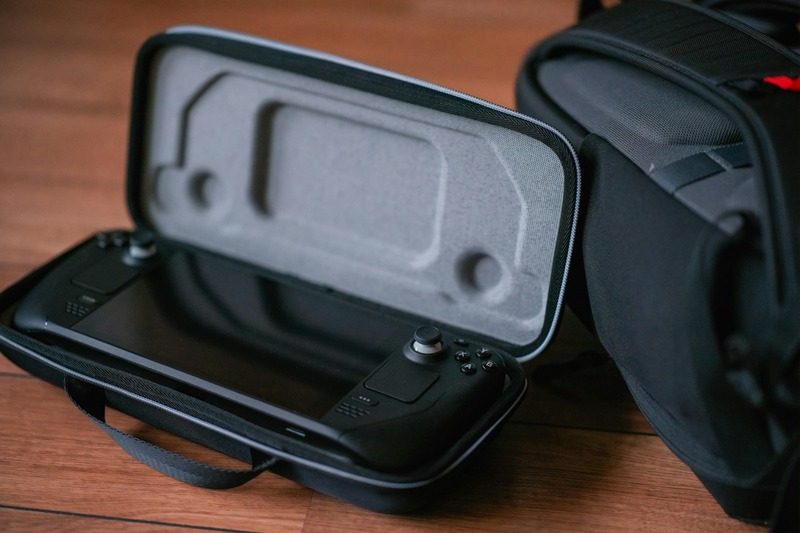
How you transport your gear directly affects its lifespan. Hard cases offer the best protection, especially if you fly to gigs or share a vehicle with heavy equipment. They absorb impacts that would crack a controller casing or dent a laptop. Soft cases are lighter and easier to carry, but offer less drop protection. For mobile DJs who drive to every gig, a soft case with dense foam padding can be enough. Look for bags with reinforced corners, waterproof zippers, and padded internal dividers. Cable pouches are useful for keeping adapters and smaller items organized inside a larger bag. A bag that forces you to dig through loose cables to find a USB drive is a bad bag. Dedicate a small pouch for cables and adapters and another for drive storage. This prevents damage and saves setup time.
Tools That Save You From Disaster: Adapters, Clippers, and Emergency Kits
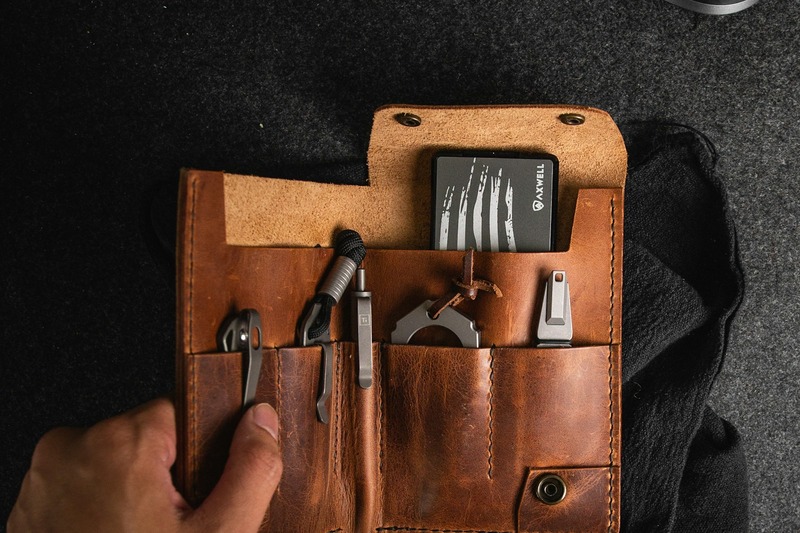
There’s a category of tools that most DJs ignore until they need them. Then they become the most valuable items in the bag. A multipair adapter lets you connect multiple headphones to a single monitoring output—useful when you’re back-to-back with another DJ or when a guest wants to cue up with you. A small pair of wire clippers or side cutters can trim stray cable ends or cut zip ties in a pinch. Speaking of zip ties, carry a handful. They secure cables to table legs, hold power strips in place, and fix broken plastic parts temporarily. Velcro straps are reusable and less messy. A spare fuse or two for your power strip or mixer is a small item that can save a gig. A basic emergency kit for gear includes these items, plus a small flashlight, a multitool, and a roll of gaffer tape. Keep it in a separate pouch so you can grab it without rummaging through everything else.
Sound Quality Enhancers: Acoustic Pads, DI Boxes, and Spectrum Analyzers
Sound quality isn’t just about the mixer and speakers. Room acoustics, ground loops, and monitoring position matter just as much. Portable acoustic foam panels can be taped to a wall behind your monitor setup to reduce reflections and tighten your cueing. DI boxes solve ground loop hum and level matching issues. A simple passive DI box is good enough for connecting your mixer to a PA system that might have unbalanced inputs. Phone-based spectrum analyzers are surprisingly useful. Apps like Audiotool or Analyzer let you check your room’s frequency response in seconds. This helps you adjust EQ before you play, instead of guessing and hoping. These aren’t essential for every gig, but if you regularly play in challenging rooms with poor acoustics or unusual PA setups, they make a measurable difference.
Comparison: Mobile DJ Toolkit vs. Club DJ Toolkit
Your gigging context determines what you need. A mobile DJ who sets up in bars, marquees, and churches has a fundamentally different toolkit than a club DJ who walks into a booth that already has everything except headphones and USBs. Here’s a realistic breakdown.
Mobile DJ Toolkit
- Long XLR cables (at least 5 meters) for reaching distant PA systems
- Power strip with surge protection
- Portable battery pack for laptop
- Extension cable
- Multiple adapters (quarter-inch, RCA, XLR)
- Hard case for controller or laptop
- Cable ties and velcro straps
- Small tool kit with clippers, zip ties, and gaffer tape
- Backup USB drives (two at minimum)
- Wired headphones with detachable cable
Club DJ Toolkit
- High-quality closed-back headphones
- Two identical USB drives with prepared library
- Adapter pouch (USB-C to USB-A, quarter-inch to RCA)
- Small cable kit (one XLR, one quarter-inch, one RCA)
- Surge protector (small, for laptop power)
- Zip ties and gaffer tape for cable management
- Backup earplugs
The mobile DJ carries more because they’re building the entire audio chain from scratch. The club DJ focuses on reliability, redundancy, and adaptability within an existing setup. Identify which profile fits your regular gigs and build your toolkit accordingly. Don’t carry gear you never use—it adds weight and clutter.
Common Mistakes When Building Your Toolkit
I’ve seen the same errors repeated by DJs at every level. Here are the most common ones and how to avoid them.
Buying the cheapest cables you can find. They break faster, introduce noise, and fail at the worst moment. Spend a little more on branded cables with proper strain relief—it pays for itself in reliability.
Overpacking. Carrying too much gear slows you down, complicates setup, and increases the chance of forgetting something important. Only carry what you actually use regularly. Pare down your bag after every five gigs.
Ignoring backup storage. One USB drive is not enough. One laptop without a backup USB is a risk. Redundancy is the simplest insurance you can buy. Two drives cost less than replacing corrupted music or missing a gig.
Forgetting adapters. USB-C to USB-A, quarter-inch to RCA, XLR to quarter-inch. These adapters cost a few dollars each but solve the most common connectivity problems. Keep them in a dedicated pouch so you can find them instantly.
Final Checklist and Budget Recommendations
Here’s a concise checklist of the absolute essentials. Start with these and upgrade over time as your needs and budget grow.
Budget Tier
- One pair of reliable wired closed-back headphones (e.g., Audio-Technica ATH-M20x)
- Two 128GB USB 3.0 drives
- Two XLR cables (3 meters)
- One power strip with surge protection
- A small pouch of adapters (USB-C to USB-A, quarter-inch to RCA, XLR to quarter-inch)
- Soft case for controller or laptop
Mid-Range Tier
- Higher-quality headphones with detachable cable (e.g., Beyerdynamic DT 770 Pro)
- Two 256GB USB 3.1 drives (metal housing)
- XLR and quarter-inch cables from a reputable brand (Monoprice, Mogami)
- Power sequencer or a surge protector with more ports
- Hard case for controller or laptop
- Cable ties, velcro straps, and a small tool pouch
Pro Tier
- Top-tier wired headphones with replaceable pads and cable (e.g., Pioneer DJ HDJ-X10)
- Two 512GB USB 3.1 drives plus one SD card for backup
- Balanced XLR cables from professional brands (Mogami, Hosa)
- Power sequencer and a portable battery pack
- Flight-grade hard case for all gear
- Full tool pouch with wire clippers, zip ties, gaffer tape, spare fuses, and DI box
Don’t feel pressured to buy the Pro Tier from day one. Start with budget essentials, identify what you actually need, and upgrade the areas that cause you the most trouble. A well-maintained budget toolkit is better than an expensive one you never use. Research specific products on Amazon or specialized DJ retailers to find current pricing and reviews. Build your toolkit over time instead of all at once—that’s how you learn what actually works for your setup.