

Choosing Between Two Studio Workhorses
If you’re shopping for a capable MIDI controller keyboard and find yourself weighing the Arturia KeyLab Essential against the Native Instruments Komplete Kontrol, you’re not alone. This is the classic ‘Arturia KeyLab vs Komplete Kontrol’ decision that comes up when producers, beatmakers, and keyboardists look to upgrade their setup. Both controllers offer deep software integration and hands-on control, but they approach workflow quite differently. This breakdown isn’t about endless spec sheets. It’s about how these boards actually feel in a real studio session, what you get out of the box, and which one will save you more time—and frustration—in the long run.
First Impressions: Build Quality and Key Feel
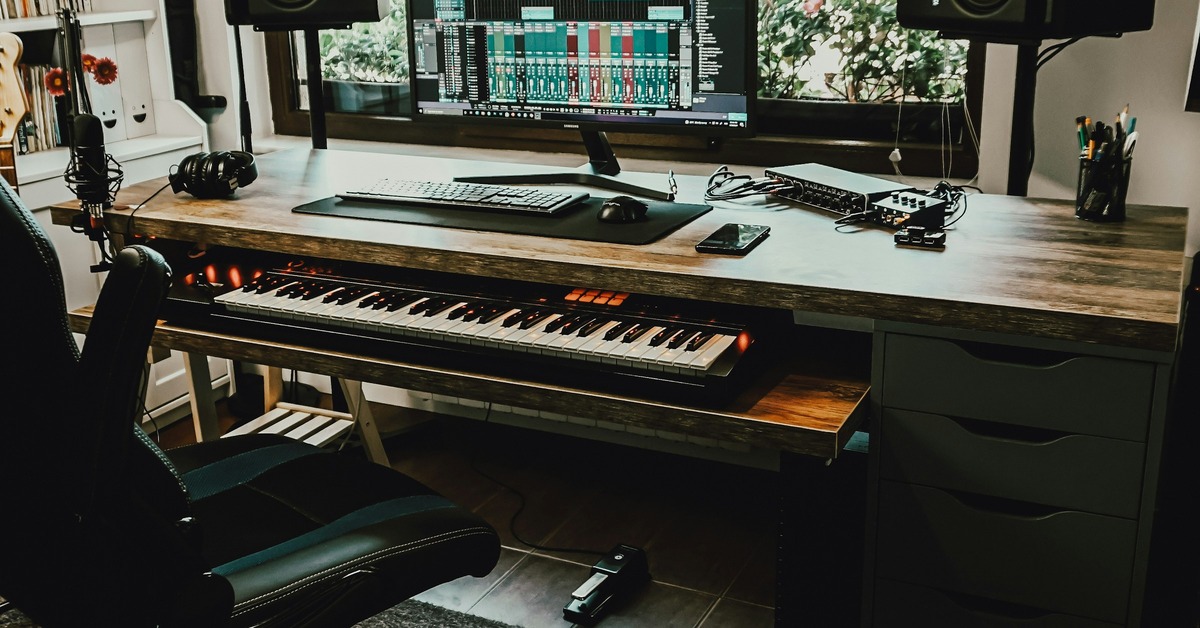
Pulling either controller out of the box, the first thing you notice is the physical difference. The Komplete Kontrol—especially the S-series models—feels dense and substantial. The chassis is heavier, the metal end panels are solid, and the keybed, while still semi-weighted, has a better-dampened action closer to a traditional synth. The KeyLab Essential is lighter and more plastic. It doesn’t feel cheap, but it lacks the premium weight of the NI unit. For a home studio where you’re doing heavy production, that lighter weight is fine. It’s easier to move around and takes up less visual space on a crowded desk.
Key feel is where personal preference really splits things. The KeyLab Essential uses a synth-action keybed with medium resistance that works well for chord stabs, basslines, and quick part entry. It’s not great for expressive piano playing. The Komplete Kontrol offers a semi-weighted action with noticeably more resistance under the fingers. If you do a lot of playing that requires dynamic nuance, the Komplete Kontrol is the better choice. But for long sessions programming beats or sketching chord progressions, the KeyLab Essential will fatigue your fingers less. I’ve spent four-hour stretches on both, and the KeyLab Essential wins for endurance. The Komplete Kontrol wins for feel in performance-oriented work.
Software Integration: Analog Lab vs. Komplete Kontrol
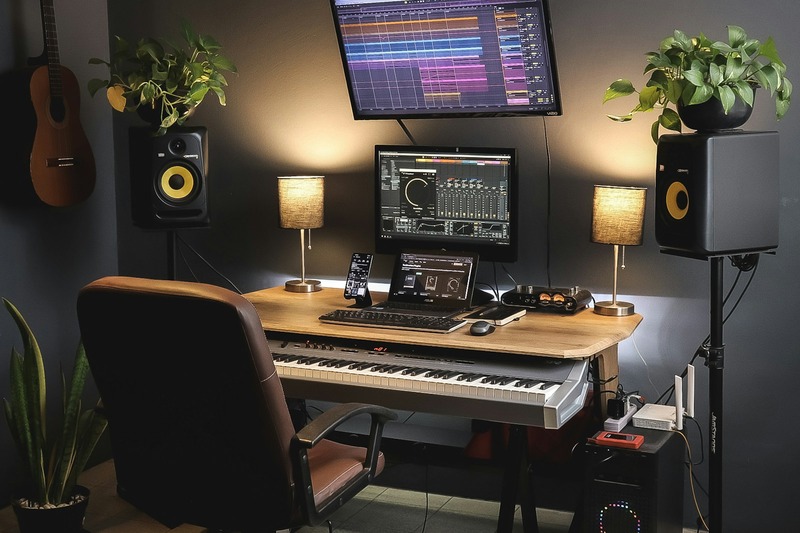
The bundled software is the real differentiator here. The KeyLab Essential ships with Analog Lab Intro (or the full Analog Lab on Essential mk3 models). Analog Lab is essentially a curated browser for Arturia’s massive V Collection emulations. You get thousands of preset sounds covering everything from vintage keys to cinematic pads. The controller maps perfectly to Analog Lab’s controls, giving you hands-on access to ADSR, filter, and effects. It’s immediate and works well for fast sound design.
The Komplete Kontrol comes with Komplete Select, which includes a smaller selection of NI instruments and effects. That might sound like less value, but the integration is deeper. Komplete Kontrol’s browser is built around the NKS ecosystem. You can browse sounds by type, mood, or timbre without ever touching the mouse. It’s a genuinely fast workflow for finding the right tone. The tradeoff is that NKS is mostly limited to NI and a handful of third-party NKS-ready plugins. If you rely heavily on third-party VSTs that aren’t NKS-compatible, the Komplete Kontrol loses much of its advantage. For producers who want a broader selection of MIDI controller keyboards with flexible software integration, a more open ecosystem may be worth considering.
For producers who want to explore outside a single ecosystem, the KeyLab Essential is more open. Analog Lab works as a standalone plugin, and you can map the controller to any plugin with standard MIDI learning. The Komplete Kontrol wants you to stay inside the NI world. That’s fine if you’re all-in on NI. But if you use a mix of Arturia, Valhalla, and u-he plugins, you’ll find the KeyLab Essential more flexible right out of the box.
DAW Control and Mapping
Out-of-the-box DAW integration is a practical concern that many overlook. The KeyLab Essential uses MCU (Mackie Control Universal) protocol, which most DAWs recognize immediately. In Ableton Live, you get transport control, track arming, clip launching, and basic mixer control with zero setup. In Logic Pro, it works similarly well. The Komplete Kontrol requires a bit more initial configuration for DAW control. You need to set up MIDI ports and assign parameters manually in some DAWs. For Ableton users, the Komplete Kontrol works fine with the NKS plugin wrapper, but for general DAW control outside of NI software, the KeyLab Essential is more plug-and-play. If you switch DAWs frequently, that minimal friction matters more than you might think. Travelers who need a reliable DAW controller that works across platforms may find the KeyLab Essential easier to manage.
The Big Question: Which One Is Best for Your Setup?
The honest answer depends entirely on your software stack and playing style. For beginners just starting out, the KeyLab Essential is the safer choice. You get a broad, usable sound library with Analog Lab, and the controller works well with any DAW. There’s less complexity to wrestle with early on.
For producers already invested in Native Instruments instruments—Massive, Kontakt, Battery—the Komplete Kontrol is the obvious winner. The NKS integration saves you time browsing presets and automating parameters. It transforms how you work with NI software.
There’s a clear category of people who should probably avoid the Komplete Kontrol: producers who use multiple non-NI synths, work in multiple DAWs, or prefer a lighter, more portable controller. The NI hardware feels premium, but the software lock-in is real. Similarly, if you’re heavily into finger drumming, neither controller is ideal. Both have basic pads that work for triggering clips, but dedicated pad controllers like the Akai MPC or Novation Launchpad are significantly better. For those specifically interested in pad controllers optimized for finger drumming, these are a more suitable alternative.
Key Features You’ll Actually Use (and What You Can Skip)
Start with what both controllers get right. Both offer high-quality pitch and modulation wheels. Both have transport controls that work reliably. Both offer an arpeggiator that is functional for basic patterns. The KeyLab Essential adds a handful of features that are genuinely useful in practice. Its chord mode lets you play full chords with one finger, which is a great sketching tool. Its scale mode locks you into a specific key, reducing wrong notes. These aren’t gimmicks—they become part of your workflow.
The Komplete Kontrol’s standout feature is the light guide. Those colored LEDs above each key show you key zones, drum mapping, scale positions, and chord triggers. It’s visually informative and helps you internalize keyboard layouts quickly. For learning a new scale or navigating a multisampled drum kit, the light guide is excellent. But for everyday production, you may find yourself ignoring it after the first week.
The pads on both controllers are usable but not great. The KeyLab Essential pads are fixed velocity and feel slightly stiff. The Komplete Kontrol pads are better for finger drumming, but neither replaces a dedicated pad controller. If pad feel is primary, look elsewhere. The faders on both are functional—the KeyLab Essential’s are a bit smoother out of the box. One minor point: the Komplete Kontrol’s faders sit flush with the surface, making them harder to grab quickly. It’s a small ergonomic detail that matters in a fast workflow.
Common Mistakes to Avoid When Choosing a MIDI Controller
The most common mistake I see is buying a controller based purely on the software bundle. People grab the Komplete Kontrol because they want Komplete Select, then discover they don’t like semi-weighted feel for their kind of music. Or the opposite: someone picks up the KeyLab Essential for Analog Lab and later realizes they need deep Kontakt integration. My advice is to prioritize key feel over software every time. You can always upgrade later. You’re stuck with the keybed.
Another recurring mistake is ignoring DAW compatibility before purchase. I’ve seen people buy a Komplete Kontrol for Ableton and then spend an afternoon wrestling with the DAW control setup, only to abandon it. Check the manufacturer’s DAW integration documentation before you commit. The last mistake is failing to consider portability. If you move between studios, the KeyLab Essential’s lighter weight makes it much easier to transport. The metal-cased Komplete Kontrol is a studio fixture, not a travel companion.

Monetization: Bundles, Upgrades, and Practical Accessories
When you buy either controller, look for bundle deals. Both Arturia and Native Instruments frequently offer the keyboard paired with a software subscription. For the KeyLab Essential, a bundle with Arturia’s V Collection gives you access to the full suite of vintage synth emulations. That’s significantly better value than buying the controller and software separately. For the Komplete Kontrol, consider a bundle that includes Komplete Ultimate or the full Komplete library rather than just Komplete Select.
Practical accessories make a difference. A sustain pedal is worth buying immediately. Both controllers support standard footswitches. A high-quality USB cable—one that is shielded and long enough for your setup—prevents dropouts. A keyboard stand is essential if you want proper ergonomics. Mini-stands for desktop use are convenient, but a full-width keyboard stand keeps your setup clean. For those setting up a home studio, a sustain pedal designed for MIDI controllers is a simple way to improve expressiveness. These are small investments that improve daily experience.
The Verdict: Which One Should You Buy?
Here’s the straightforward conclusion. Choose the KeyLab Essential if you want the best value for a capable controller, work in multiple DAWs, use a mix of third-party plugins, or are a beginner looking for a versatile starting point. Choose the Komplete Kontrol if you’re heavily committed to the Native Instruments ecosystem, value the NKS browsing workflow, and want a premium-feeling keybed for performance-oriented playing.
If you’re on the fence, ask yourself one question: how much time do you spend browsing presets? If that answer is “a lot,” the Komplete Kontrol workflow might be worth the higher price. But for most producers—especially those using Ableton or Logic with diverse plugin collections—the KeyLab Essential offers more flexibility and a lower barrier to entry.
The KeyLab Essential isn’t a pro-level controller, but it gets the job done for the majority of modern production. The Komplete Kontrol feels better and integrates deeper, but it pushes you into a specific ecosystem. There’s no universal winner. There’s only the right tool for your own studio.
Frequently Asked Questions
Can you use the Komplete Kontrol without Native Instruments plugins?
Yes. The Komplete Kontrol keyboard works as a standard MIDI controller for any MIDI-capable software. You simply lose the NKS browsing and mapping features that make it special.
Does the KeyLab Essential work with an iPad?
Yes. The KeyLab Essential connects via USB and is class-compliant with iPadOS. You can use it with apps like GarageBand, Korg Gadget, or Arturia iSpark. Just use a powered USB hub or a camera connection kit.
Which controller has better pads for finger drumming?
Neither is great. The Komplete Kontrol pads are slightly more responsive, but both are better suited for triggering clips or quick note entry than for serious finger drumming.
Can you map the KeyLab Essential to third-party plugins?
Yes. The controller features standard MIDI learn functionality, allowing you to map controls to any plugin that supports MIDI CC. This gives you flexibility beyond Analog Lab.
Is the Komplete Kontrol worth the extra money for a casual producer?
Probably not. The premium build and deep integration matter most if you rely on NI software daily. For casual or multi-plugin work, the KeyLab Essential provides similar functionality at a lower price.