
Introduction
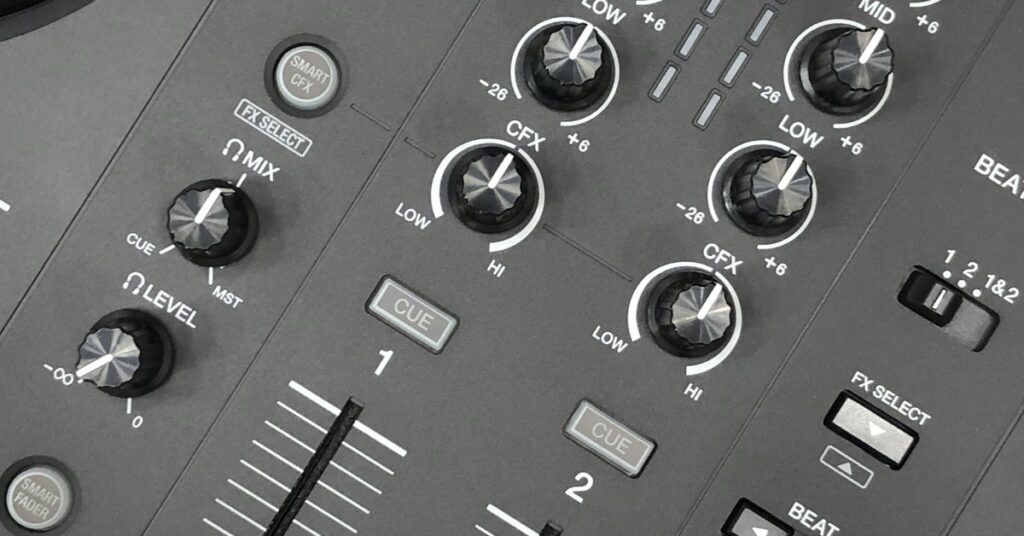
You’ve seen the videos. Read the press releases. The Pioneer DJ DDJ-FLX10 is the controller everyone’s talking about, promising club layout features with groundbreaking stem separation. But after two years of incremental upgrades from the DDJ line, is this actually a leap forward or just a well-marketed spec sheet? I’ve been using the FLX10 for six weeks now, across different settingsâfrom a loud, bass-heavy club night to a multi-room mobile wedding gig where flexibility was everything. This review is meant to help you cut through the noise. I’ll cover the three headline features that set it apartâTrack Separation, Smart Fader, and Beat FX per channelâand get into the practical tradeoffs that matter when you’re spending this kind of money. By the end, you’ll know whether this controller fits your workflow or if you’re better off saving your cash for something else.
First Impressions: Build Quality and Design
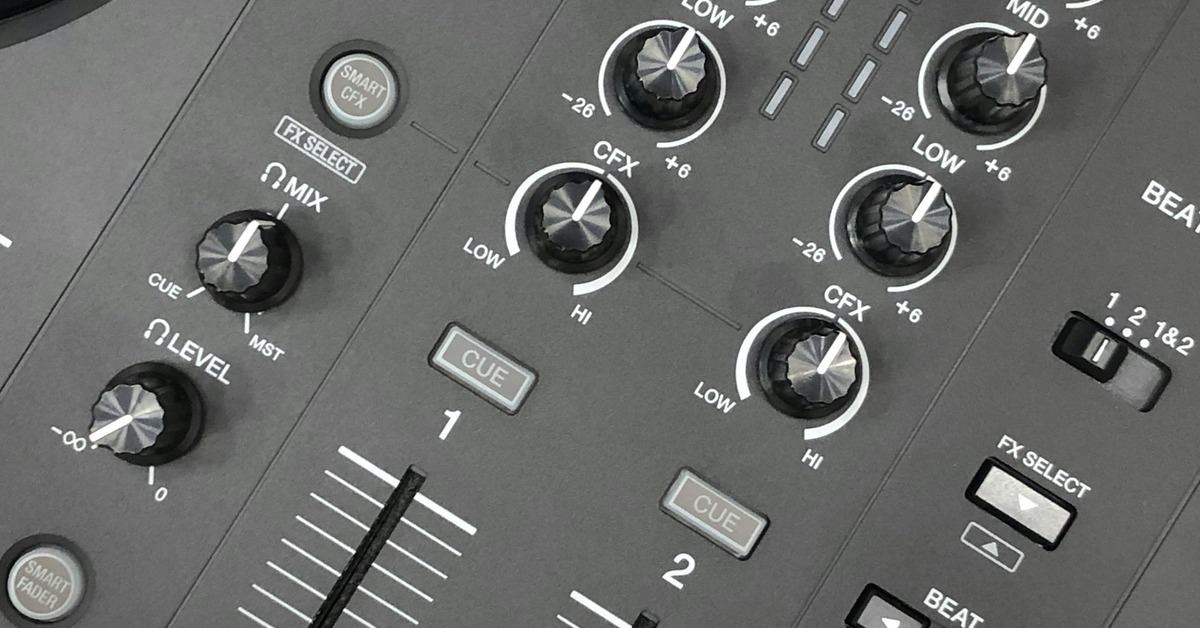
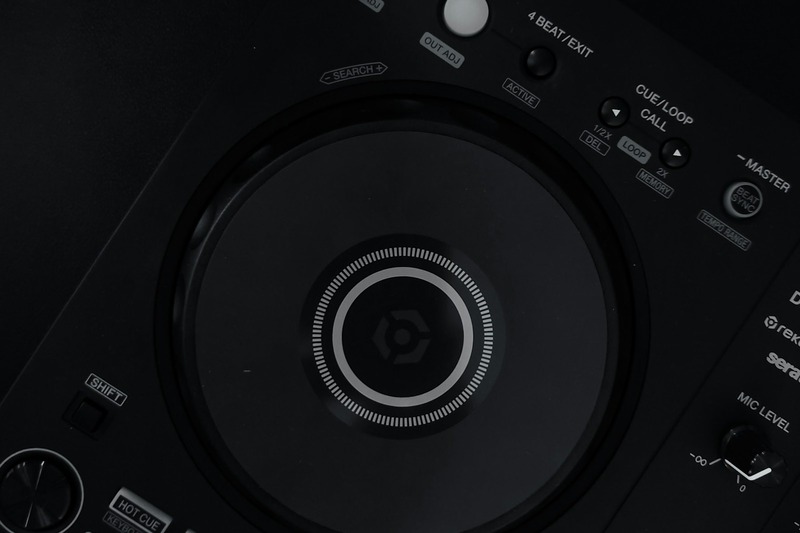
Unboxing the FLX10, the first thing you notice is the weight. It’s not a featherweight like the FLX6, but it’s also not the tank that the DDJ-1000 was. The chassis is mostly plastic. For some DJs, that’s a dealbreaker. But the plastic here is dense, without the creaky flex you’d find on entry-level boards. The jog wheels are full-size, which is a major plus if you’re used to spinning on CDJs. They have a satisfying weighted feel, though not quite as heavy as the DDJ-1000’s. After a four-hour set, I didn’t experience wrist fatigue, and the controller stayed stable on a standard booth table, even with a laptop stand and a drink nearby. Layout ergonomics are solid. The pads are positioned well for finger-drumming, and the FX controls are within easy reach without feeling cramped. One small nitpick: the channel faders are a bit close together for my large hands, which caused the occasional brush against the wrong fader during a fast transition. But that’s minorâyou adapt. Overall, it feels like a pro tool designed for mobile and club DJs who need to pack up frequently.
Setup and Software Compatibility
Setting up the FLX10 is straightforward if you’re familiar with Pioneer’s ecosystem. Connect via USB-C to your laptop, install the latest drivers from Pioneer’s site, then pair with either rekordbox 6 or Serato DJ Pro. I tested both. Rekordbox paired instantly, with the controller recognized as a âDDJ-FLX10â in the hardware library. Serato took a bit more workâyou’ll need to activate the controller through your Serato account and ensure you’re running version 3.0 or later. No major hiccups, but on my older Windows laptop, the driver installation required a restart before rekordbox would recognize the unit. The Bluetooth AUX input is a smart addition for mobile gigs. I used it during a wedding reception to let the couple play their first dance track from a phone without me having to touch anything. It’s not something you’ll use in a club, but for mobile work, it’s a convenience that saves you from carrying a phone-to-RCA adapter. One downside: both rekordbox and Serato operate on subscription models for full features. Paying $10â$20 a month on top of the controller’s price tag is something to budget for. If you’re a Serato user who owns a license outright, you’ll need to check if your existing key covers the FLX10âit might not.
Key Features Breakdown: What’s Actually Different?
The FLX10’s headline feature set centers on three capabilities that genuinely change how you mix. Let’s break them down without the hype.
Track Separation (Stem Control)
This is the biggest selling point. The FLX10 allows you to isolate or remove vocals, drums, bass, and melody stems in real-time, directly from the hardware. On the controller, you press the âTrack Separationâ button, and each stem gets assigned to a pad. You can then mute or solo individual elements. In practice, it works well. At a club night, I used it to isolate the vocal from a pop track and layer it over a separate instrumental from a different genre. The crowd loved it, and it felt like I had a DJM-S9 with a DJS-1000, but in a single unit. The tradeoff is latency. Stem processing is CPU-intensive. On a newer MacBook Pro with M2, it was nearly instantaneous. On my older Intel-based laptop, there was a noticeable half-second delay between hitting a pad and hearing the change. That kills spontaneity. Also, the algorithm isn’t perfect. I’ve had instances where cymbals bled into the vocal stem or where the bass stem picked up kick drum overtones. It’s impressive technology, but it’s not studio-grade separation.
Smart Fader
Smart Fader is an auto-filtering effect applied when you move the crossfader. It’s designed to create smoother transitions by filtering out certain frequencies during the cut. In practice, it feels like a built-in filter curve that adjusts dynamically based on the crossfader position. For quick cuts in a high-energy set, it works greatâno need to manually roll off the lows or highs. But it’s not a replacement for proper EQ mixing. If you use long blends, the Smart Fader can sound a bit overprocessed, especially with stereo tracks. I found it most useful for fast transitions in house and techno sets where you’re cutting between tracks quickly. For slower, more melodic transitions, I kept it off.
Beat FX per Channel
This is a feature that should have been standard years ago. You can now assign dedicated Beat FX (reverb, echo, flanger, etc.) to each of the four channels independently, without menu-diving. The controls are right above the channel fadersâa dedicated knob and button per channel. In practice, this means you can have a reverb tail running on channel 1 while you apply a high-pass filter on channel 3 without any conflict. For a DJ who uses FX heavily, this is a game-changer. The only downside is that the FX engine feels a bit basic compared to what you’d get on a DJM-900NXS2. There’s no parameter hold or advanced beat subdivision. But for most DJs, the provided controls are more than enough.
Real-World Performance: Club vs. Mobile Gigs
The FLX10 is a chameleon, but it performs differently depending on the venue.
Club Night
In a packed club with loud monitors and a powerful sound system, the FLX10 held its own. The sound card has a low noise floorâno hiss or interference even with the gain cranked. The balanced XLR outputs are solid and connect directly to the house mixer without any ground loop hum. The headphone cueing is clear, even when both decks are playing simultaneously. I particularly appreciated the On-Jog Display during a fast set transition. I was cueing a track on deck 3 while mixing on deck 1. The OLED screen on the jog wheel showed the track name, BPM, and waveform preview, allowing me to confirm my selection without glancing at the laptop. That kind of screen-on-hardware interaction speeds up your workflow in a dark room. The only issue was using the Smart Fader in a room with acoustics that already emphasized the mid-rangeâit added a bit of harshness to the transition. I switched to manual EQ blends after the first cut.
Mobile Wedding Gig
The mobile set was a different beast. The setup involved a rooftop terrace with open air and reflective surfaces. Here, the FLX10’s portability shone. It fits into a flight case that’s manageable for one person to carry, and the Bluetooth AUX input was used for a speech microphone when the wireless mic died. The sound card handled the outdoor acoustics well, though I had to roll off the highs on the EQ to avoid harshness. The Track Separation feature was a hit when I used it to remix a medley of the couple’s favorite songsâisolating vocals from one track and adding an instrumental from another. It felt genuinely useful, not gimmicky. The only complaint was the plastic build. I set the controller on a slightly uneven table, and the flex when I pressed the pads was noticeable. For mobile DJs who work on less-than-ideal surfaces, a solid flight case is essential. A high-quality DJ controller flight case is worth investing in to ensure stability and protection.
Pioneer DJ DDJ-FLX10 vs DDJ-1000 vs FLX6: Which One Should You Buy?
This is the comparison that matters. Here’s a direct breakdown.
- Price: FLX10 is ~$1,700. DDJ-1000 is ~$1,200 (if you can find one new). FLX6 is ~$600.
- Build: DDJ-1000 has a metal chassis. FLX10 and FLX6 are plastic.
- Channels: All three are 4-channel controllers.
- Effects: FLX10 has Beat FX per channel. DDJ-1000 has shared Beat FX. FLX6 has basic effects.
- Track Separation: FLX10 has hardware stem control. DDJ-1000 and FLX6 do not.
- Jog Wheel Size: FLX10 and DDJ-1000 have full-size jog wheels. FLX6 has smaller, lighter jog wheels.
- Portability: FLX10 is the lightest of the three. DDJ-1000 is the heaviest.
- Software: FLX10 includes rekordbox key and Serato license. DDJ-1000 includes rekordbox key only. FLX6 includes rekordbox key only.
Buy the FLX10 if: You want stem remixing and dedicated FX per channel without upgrading to a full CDJ setup. Ideal for mobile DJs and producers who do live remixes.
Stick with the DDJ-1000 if: You value a metal chassis that can take a beating, and you regularly play back-to-back sets where dual USB ports are essential. You don’t need stems.
Get the FLX6 if: You’re a beginner or budget-conscious DJ. It’s fine for basic mixing, but you’ll quickly outgrow it if you dive deep into effects or stem manipulation.
Three Mistakes to Avoid When Buying (and Using) the FLX10
From my testing, here are the common pitfalls.
Mistake 1: Skipping the Laptop Check
Stem processing is CPU-intensive. If your laptop has less than an Intel i7 or Apple M1 chip, you’ll face audio dropouts when using multiple stems simultaneously. Test your setup before a gig. For DJs looking to upgrade, a powerful laptop for music production can make a significant difference in performance.
Mistake 2: Assuming Flawless Software Compatibility
The FLX10 works with rekordbox and Serato, but driver conflicts are common on Windows, especially if you have older Pioneer drivers installed. Uninstall all previous drivers before connecting the FLX10.
Mistake 3: Relying Solely on the Built-in Sound Card
The balanced XLR outs are good for most venues, but in a loud club with a big system, the signal can feel a bit thin compared to a dedicated sound card like a DJM mixer. If you’re playing on a large rig, consider an external sound card for backup.
What’s in the Box? And What Do You Need to Add?
Opening the box, you get: the DDJ-FLX10 unit, a power supply, a USB-C cable, a quick start guide, and software activation cards for rekordbox and Serato. That’s it. No flight case or laptop stand.
For a complete mobile kit, add these:
- A sturdy laptop stand: The FLX10 takes up significant space. A Pyle or Odyssey laptop stand keeps your screen at eye level and frees up booth room. A reliable DJ laptop stand is a practical addition to any mobile setup.
- A high-quality USB hub: For club setups where you need to connect multiple devices (laptop, phone, backup drive), a powered USB hub prevents signal dropouts.
- A carrying case: The plastic chassis is prone to scratches. A Magma or Odyssey flight case protects it during transport. For mobile DJs, this is non-negotiable.
Durability and Long-Term Ownership
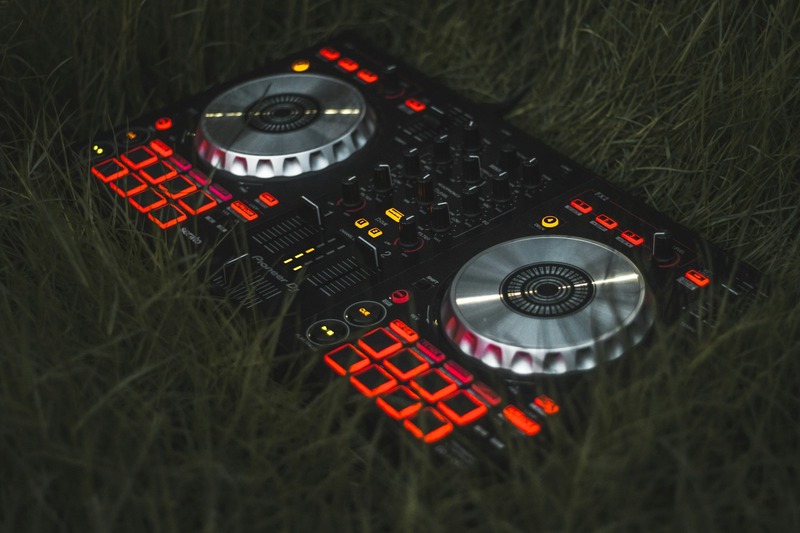
I’ve had the unit for six weeks, so I can’t speak to years of abuse, but early signs are mixed. The crossfader feels tight and smooth, with no scratchiness. The jog wheels haven’t developed any wobble yet. However, the pad sensitivity on my unit has started to vary slightlyâthe top-right pad on deck 2 is a bit stiffer to press than the others. It’s not a dealbreaker, but it’s something to watch. The USB-C port feels secure, but it’s a standard port, so if you’re rough with cable management, it might loosen over time. A practical tip: use a quality USB cable with a right-angled connector to reduce stress on the port. Also, always cover the unit with a dust cover between gigs and use a flight case for any travel beyond a short car ride. The plastic build doesn’t forgive drops.
Who Is the FLX10 Best For? (And Who Should Skip It)
Best for: Intermediate to advanced DJs who are upgrading from an FLX6 or DDJ-400 and want club-ready features. Also ideal for producers who do live remixes and want stem control without a separate unit. Mobile DJs who value portability and built-in Bluetooth will find it useful.
Skip it if: You’re a beginner on a budgetâthe FLX6 or DDJ-400 is a better starting point. If you play back-to-back sets frequently, the DDJ-1000’s dual USB ports are more practical. And if you already own a CDJ setup, this is a redundancy unless you need a portable backup.
Final Verdict: Is It Worth the Hype?
The Pioneer DJ DDJ-FLX10 is a solid evolution of the DDJ line. It brings club-style layout and modern stem tech into a single package, and the Beat FX per channel is a long-overdue upgrade. But it’s not perfect. The plastic build isn’t for everyone. The CPU demands for stem processing are real. And the lack of dual USB ports is a miss for back-to-back DJs.
Pros:
- Effective stem separation for live remixing
- Beat FX per channel eliminates menu-diving
- Full-size jog wheels feel great
- Bluetooth AUX input for mobile gigs
Cons:
- Plastic chassis feels less premium than DDJ-1000
- CPU-intensive stem processing
- No dual USB ports
- Pad sensitivity can vary over time
So, is it worth the hype? Yesâif you need stems and dedicated FX per channel and you’re okay with the plastic build. But if you value a metal chassis and dual USB ports, the DDJ-1000 is still a strong buy. If you’re ready to upgrade your workflow, check current pricing on the Pioneer DJ DDJ-FLX10 before stock runs out.